
8 Best PPC Optimization Chrome Extensions in 2026
This guide reviews the 8 best PPC optimization Chrome extensions in 2026, covering actively maintained tools that help freelancers, in-house marketers, and agency teams work faster inside Google Ads — from search term analysis to competitive research — without disrupting existing workflows.


If you manage Google Ads campaigns, you know how much time disappears into repetitive tasks: reviewing search terms, adding negatives, adjusting match types, exporting everything to spreadsheets just to make sense of it. Chrome extensions built for PPC cut through that friction by letting you work faster right inside your browser, without jumping between platforms or rebuilding your workflow from scratch.
This list covers the best Chrome extensions for PPC optimization in 2026. These are tools that are actively maintained, genuinely useful for day-to-day campaign work, and suited to freelancers, in-house marketers, and agency teams. A quick note on scope: some extensions here are core PPC workflow tools, while others are PPC-adjacent utilities that many practitioners find genuinely useful. We've been clear about which is which.
Whether you're deep in a search terms report or doing competitive research before a new campaign launch, there's something here for every workflow.
1. Keywordme
Best for: Optimizing Google Ads campaigns directly inside the Search Terms Report
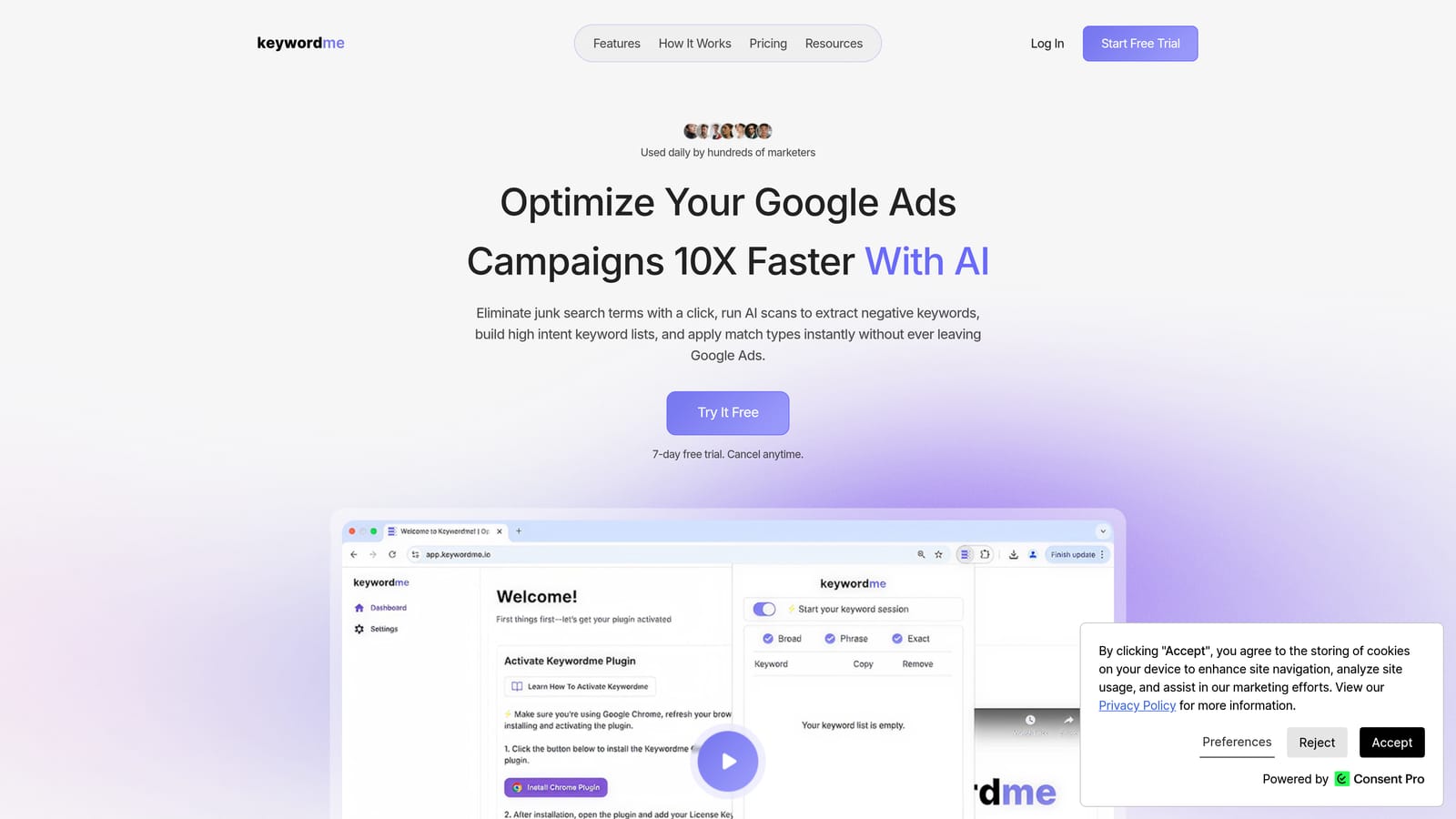
Keywordme is a Chrome extension built for Google Ads users who want to optimize campaigns without leaving the native interface or touching a spreadsheet.
Where This Tool Shines
Most PPC optimization workflows involve a lot of copy-pasting: pulling search terms into a spreadsheet, sorting them, identifying junk, then going back into Google Ads to apply changes. Keywordme collapses that process into one-click actions directly inside the Search Terms Report. You can remove irrelevant search terms, add negative keywords, apply match types, and build keyword lists without switching tabs.
The keyword clustering feature is particularly useful for agencies managing large accounts. Instead of manually grouping related terms, you can organize high-intent keywords into logical clusters quickly, which helps when building out new ad groups or refining existing ones. Multi-account and team support makes it practical for agency workflows where multiple people need to work across different client accounts.
Key Features
One-Click Negative Keyword Addition: Add negative keywords directly from the Search Terms Report without exporting or switching screens. If you want to understand why negative keywords matter to account health, this overview of why negative keywords are important is worth reading first.
Match Type Application: Apply broad, phrase, or exact match types to keywords instantly, right inside Google Ads. See also how to think about when to apply match types in Google Ads for context on using this feature effectively.
Keyword Clustering: Group related high-intent terms into clusters to support ad group organization and campaign structure decisions.
Bulk Editing: Apply changes across multiple search terms at once rather than handling them one by one.
Multi-Account and Team Support: Designed for agency teams managing several client accounts simultaneously.
Best For
Keywordme is a strong fit for Google Ads practitioners who spend meaningful time in the Search Terms Report each week. That includes solo freelancers managing multiple client accounts, in-house marketers running active campaigns, and agency teams looking to standardize and speed up their optimization routines. It's less relevant if you're primarily focused on keyword discovery rather than ongoing campaign management.
Pricing
$12/month per user. A 7-day free trial is available with no credit card required upfront.
2. Keywords Everywhere
Best for: Keyword discovery and CPC research directly on Google and other platforms
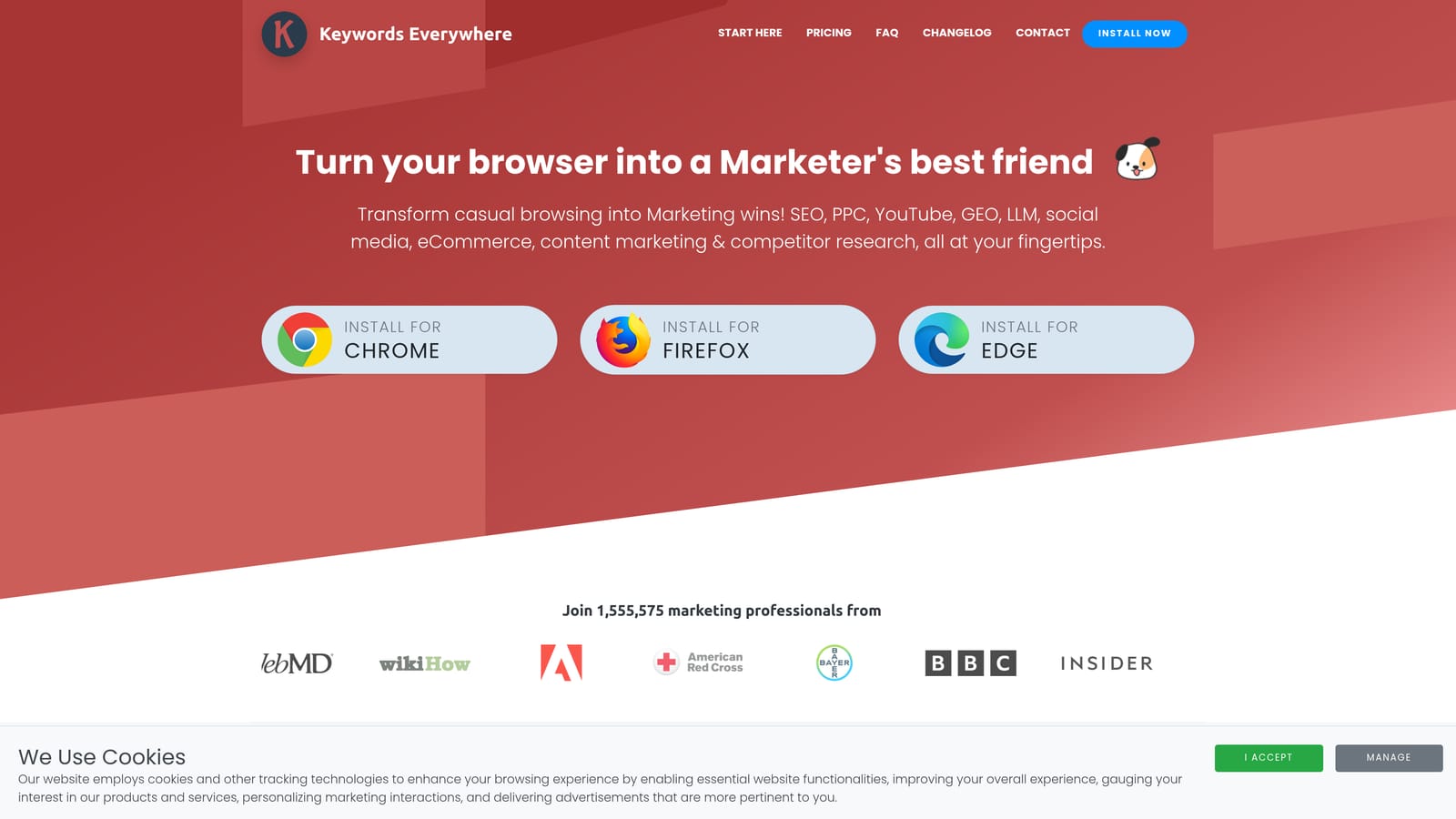
Keywords Everywhere is a browser extension that overlays keyword volume, CPC estimates, and competition data directly on Google SERPs, YouTube, Amazon, and other platforms.
Where This Tool Shines
Keywords Everywhere is most useful at the research stage, before you build out a campaign or ad group. When you search on Google, it surfaces search volume, CPC, and competition data right on the results page, so you can make quick judgments about keyword viability without loading a separate tool. It also shows related keywords and "People Also Search For" data, which can surface variations you hadn't considered.
The cross-platform coverage is a genuine differentiator. If you're running campaigns on YouTube or Amazon, or doing research across multiple channels, having keyword data surface consistently across those platforms in one extension saves meaningful time.
Key Features
Search Volume and CPC Data on Google: Keyword metrics appear directly on Google SERPs as you search, with no extra steps.
Multi-Platform Coverage: Keyword data surfaces on YouTube, Amazon, eBay, and several other platforms in addition to Google.
Related Keywords and People Also Search For: Expands your keyword view with adjacent terms and common query variations.
Competitor Traffic Estimates: View estimated traffic data for competitor pages to inform targeting and bidding decisions.
Bulk Keyword Analysis: Analyze lists of keywords in bulk rather than one at a time.
Best For
PPC managers in the campaign-building or keyword expansion phase. Also useful for content marketers and SEOs who work alongside paid search teams and want quick keyword data without logging into a full platform.
Pricing
Credit-based model. Credits are purchased in bundles, with pricing that scales by volume. There is no flat monthly subscription; you pay for what you use.
3. Ahrefs SEO Toolbar
Best for: Understanding organic competition before deciding which keywords to bid on
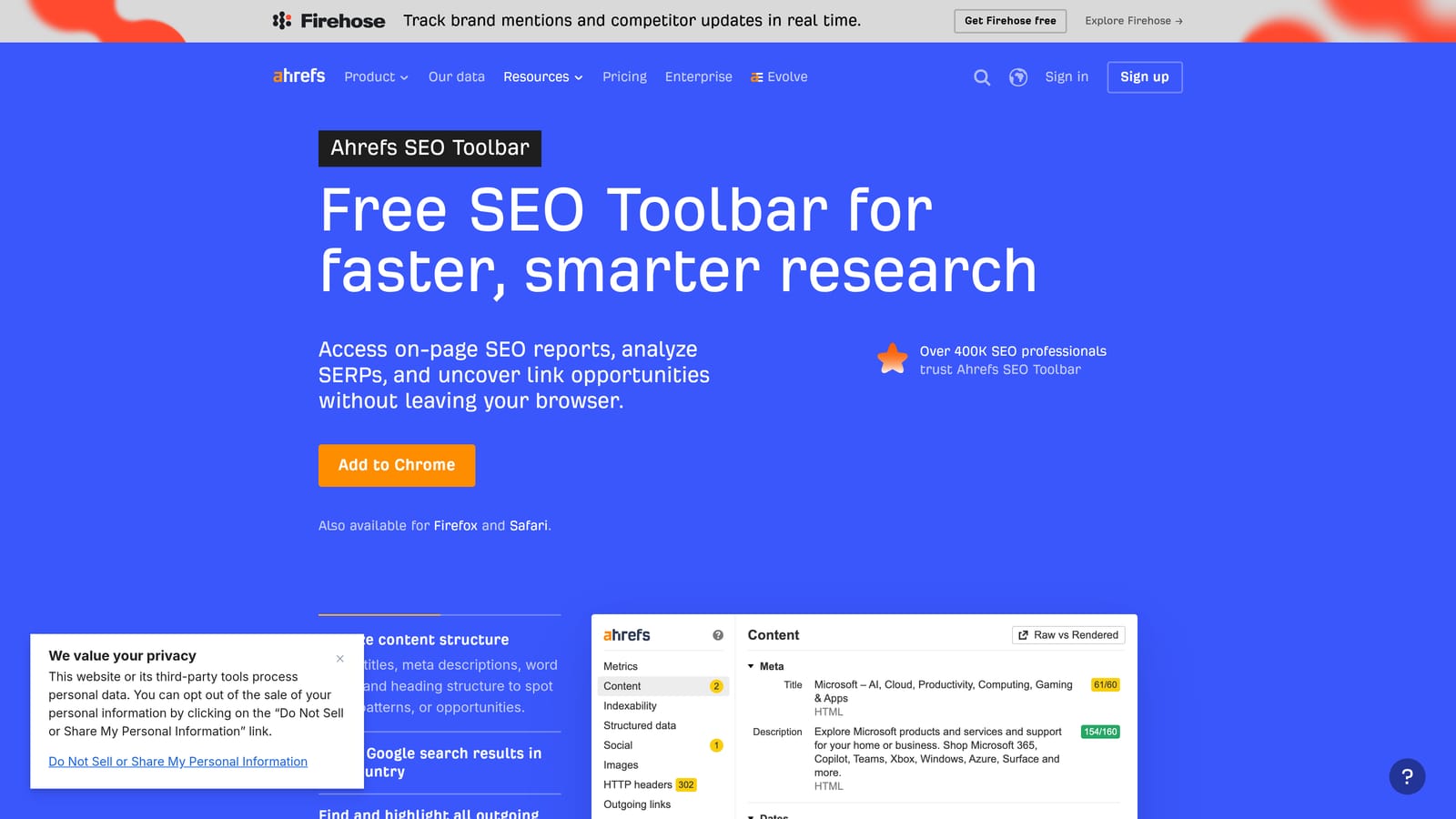
Ahrefs SEO Toolbar is a free Chrome and Firefox extension that surfaces on-page SEO metrics and SERP-level data for any page or search result.
Where This Tool Shines
This extension is primarily an SEO tool, but it has real utility for PPC managers who want to understand the competitive landscape before committing budget to a keyword. Seeing Domain Rating and URL Rating for pages ranking organically helps you gauge how strong the competition is and whether paid search is the right lever to pull. If organic results are dominated by high-authority sites, that context is useful when setting bids or deciding whether a keyword is worth pursuing at all.
The SERP overview panel, which shows keyword difficulty and estimated search volume alongside organic results, gives you a fast read on a keyword's dynamics without needing to open a separate research tool.
Key Features
Domain Rating and URL Rating: Authority metrics visible on any page or SERP, useful for quickly assessing organic competition.
SERP Overview Panel: Keyword difficulty and search volume data displayed alongside organic results.
On-Page SEO Report: A quick audit of any URL's on-page elements, useful when reviewing competitor landing pages.
Broken Link Checker: Identifies broken links on any page you visit.
Redirect Tracer: Shows the full redirect chain for any URL, helpful for landing page audits.
Best For
PPC managers who also handle or collaborate with SEO, and anyone who wants to factor organic competition into their paid keyword decisions. Less useful if your research workflow is entirely contained within Google Ads and Google Keyword Planner.
Pricing
Free for basic metrics including DR, UR, and the SERP overview. Full keyword data and traffic estimates require an active Ahrefs subscription.
4. Tag Assistant (by Google)
Best for: Verifying Google Ads conversion tags and diagnosing tracking issues
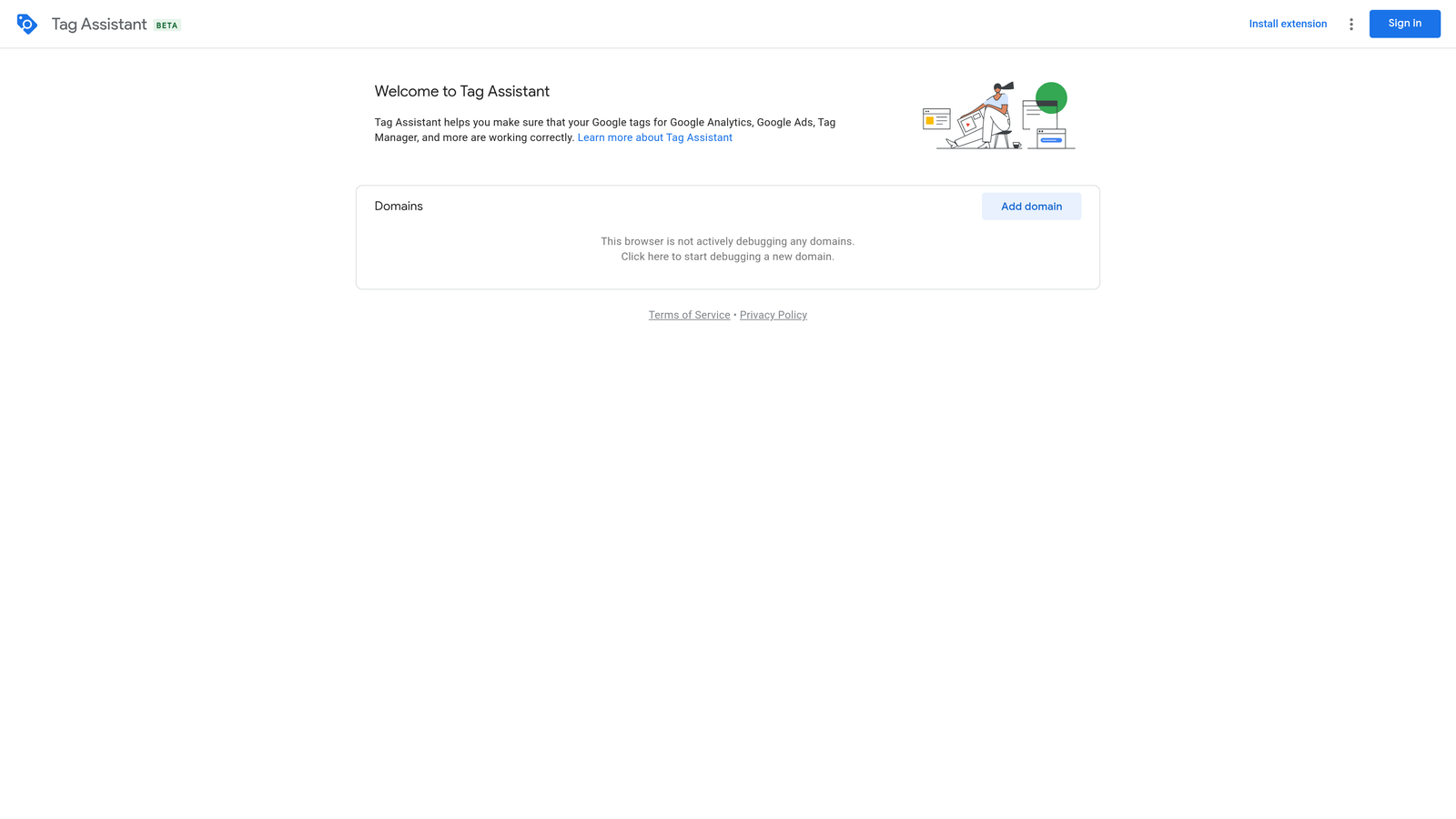
Tag Assistant is Google's official Chrome extension for validating that Google Ads conversion tags and other Google tags are firing correctly on your site.
Where This Tool Shines
Conversion tracking problems are one of the most common sources of bad campaign data, and they're often invisible until you go looking. Tag Assistant makes it easy to confirm that your tags are firing as expected, identify misconfigured or duplicate tags, and troubleshoot issues before they affect your reporting. Because it comes directly from Google, it's the most authoritative tool for this job.
The current version works alongside tagassistant.google.com and supports the modern gtag.js implementation. Note that the older Tag Assistant Legacy extension has been deprecated, so if you're still using that version, it's worth switching to the current Companion version.
Key Features
Tag Detection and Validation: Identifies which Google tags are present on a page and whether they're firing correctly.
Misconfiguration Detection: Flags duplicate tags, missing tags, or tags firing with errors.
Step-by-Step Troubleshooting: Provides guidance on resolving tag issues when problems are detected.
Multi-Tag Support: Works with Google Ads, Google Analytics, and other Google tag implementations.
No Account Required for Basic Use: You can use core functionality without needing to log into a Google account.
Best For
Anyone responsible for conversion tracking setup, campaign audits, or client account onboarding. Essential for agency teams doing initial account reviews and for in-house marketers who manage their own tag implementations.
Pricing
Free. No subscription or account required for core tag validation functionality.
5. Similarweb
Best for: Competitive research and traffic source analysis for any domain
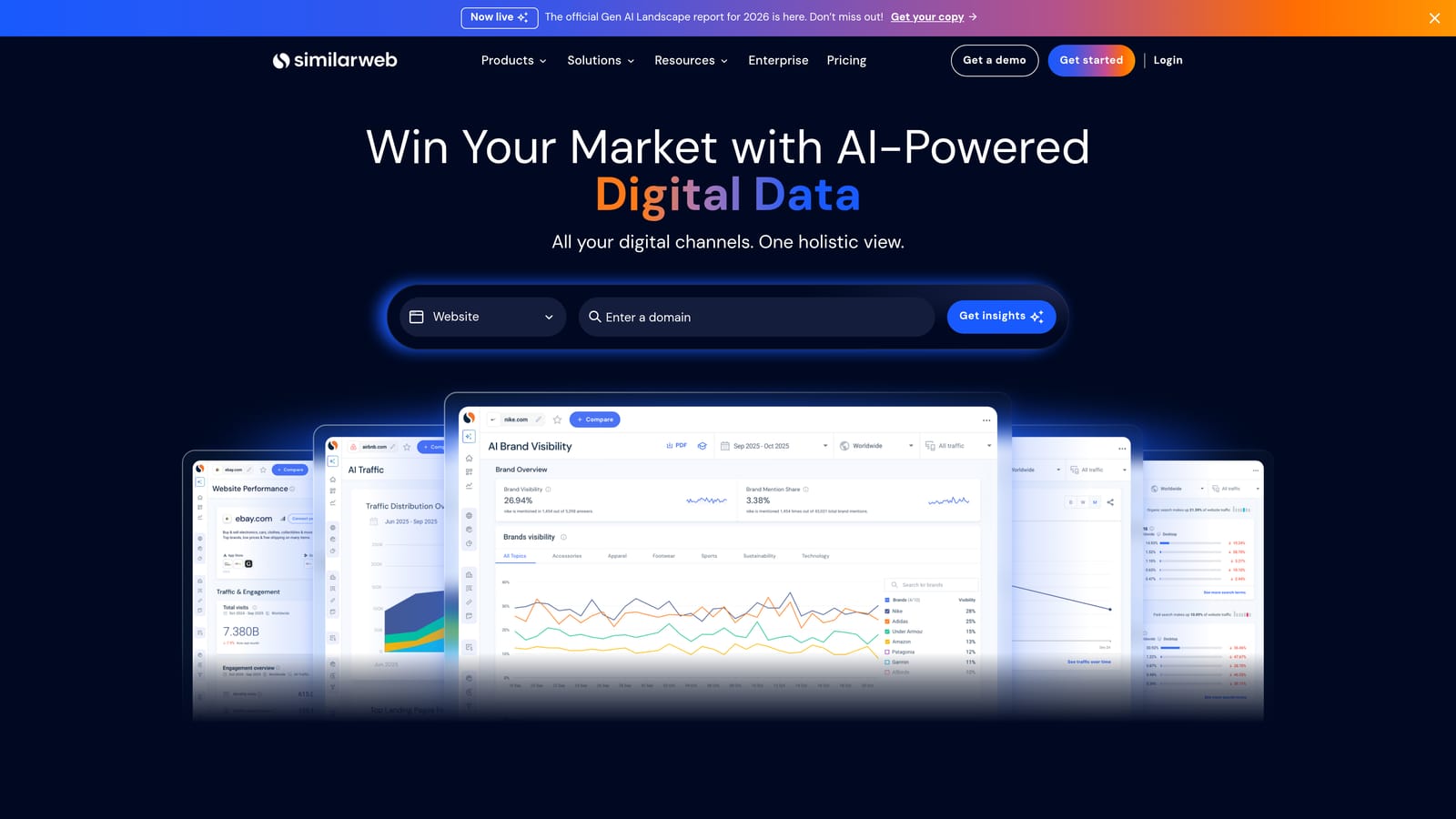
Similarweb is a Chrome extension that surfaces estimated traffic data, traffic source breakdowns, and engagement metrics for any website you visit.
Where This Tool Shines
Before you launch a campaign or expand into a new market, understanding how competitors attract traffic is genuinely useful. Similarweb's extension gives you a fast read on any domain: estimated monthly visits, where that traffic comes from (organic, paid, referral, social, direct), and which keywords are driving paid and organic visibility. That kind of context helps you make smarter decisions about where to compete and how aggressively to bid.
It's worth being clear that Similarweb's traffic estimates are approximations, not precise figures. They're most useful for directional comparisons rather than exact benchmarks. For competitive research purposes, that level of accuracy is usually sufficient.
Key Features
Estimated Monthly Visits: Quick traffic volume read for any domain, useful for sizing up competitors.
Traffic Source Breakdown: See the split between organic, paid, referral, social, and direct traffic for any site.
Top Paid Keywords: View which keywords competitors appear to be targeting with paid search.
Engagement Metrics: Bounce rate, pages per visit, and average visit duration for any domain.
Geographic Distribution: See where a site's traffic originates by country or region.
Best For
PPC managers doing competitive research before campaign launches, agency strategists building client proposals, and anyone who wants directional traffic intelligence without logging into a full analytics platform.
Pricing
A free tier is available with limited data per domain. Full access to historical data, detailed keyword breakdowns, and deeper competitive metrics requires a Similarweb subscription.
6. Hunter.io
Best for: Finding verified contact emails for agency prospecting and outreach
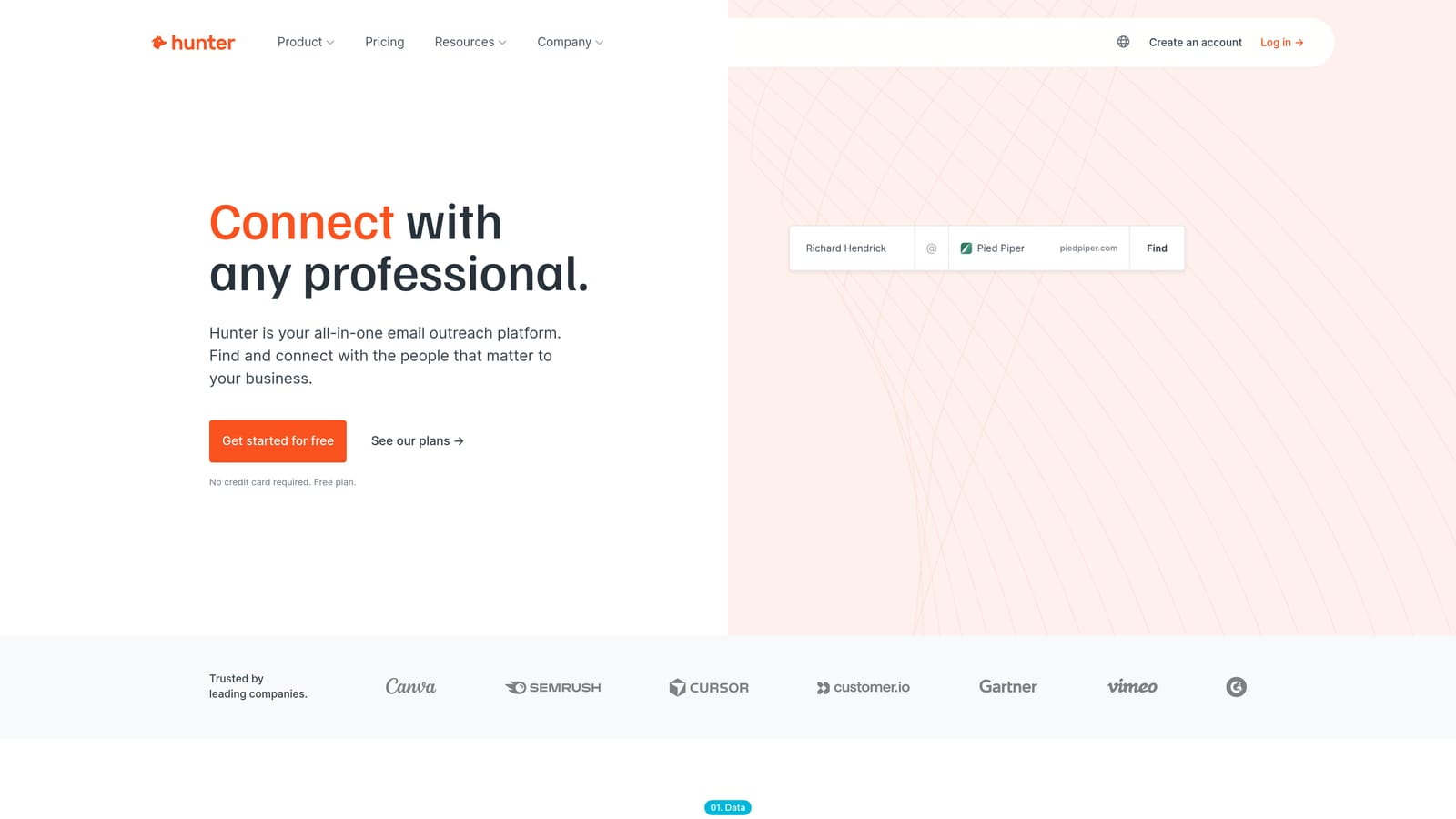
Hunter.io is a Chrome extension that surfaces verified email addresses associated with any domain, useful for agency owners doing client prospecting or partnership outreach.
Where This Tool Shines
Hunter.io isn't a PPC optimization tool in the traditional sense, but it earns its place in an agency PPC toolkit. When you're prospecting for new clients, researching a potential partner's team, or trying to reach the right person at a company whose landing pages you're reviewing, Hunter.io saves the manual work of hunting through LinkedIn and contact pages. You visit a domain, click the extension, and see a list of verified email addresses with confidence scores.
For freelancers and agency owners who handle their own business development alongside client work, this kind of tool reduces friction in the prospecting workflow without requiring a separate CRM or outreach platform to get started.
Key Features
Email Discovery: Surfaces verified email addresses associated with any domain you visit.
Confidence Scores: Each email result includes a confidence rating so you can prioritize the most reliable contacts.
Bulk Domain Prospecting: Find emails across multiple domains rather than one at a time.
Email Verification: Verify whether an email address is valid before sending outreach.
CRM Integrations: Connects with common CRM tools to streamline outreach workflows.
Best For
Agency owners and freelancers who handle their own client acquisition alongside PPC work. Less relevant for in-house marketers who don't do outreach as part of their role.
Pricing
Free tier includes 25 monthly searches. Paid plans start from $34/month for higher search volumes and additional features.
7. Loom
Best for: Recording campaign walkthroughs and delivering async client reports
Loom is a screen and camera recording Chrome extension widely used by PPC freelancers and agencies to explain optimizations and deliver reports without scheduling calls.
Where This Tool Shines
Client communication is one of the biggest time sinks in agency PPC work, and Loom addresses it directly. Instead of scheduling a call to walk a client through campaign performance, you record a quick video in the browser, share a link, and the client watches it on their own time. The viewer analytics show you whether they actually watched it, which is more than you get from a PDF report.
Loom is also useful internally: recording a screen walkthrough to explain a process to a junior team member, or documenting an account audit for future reference, takes minutes and creates something reusable. Like Hunter.io, it's a workflow tool rather than a core PPC optimization tool, but it genuinely reduces overhead for practitioners managing client relationships.
Key Features
One-Click Screen Recording: Start recording immediately with optional camera overlay, no setup required.
Instant Shareable Link: Recordings are available to share within seconds of stopping.
Viewer Analytics: See who watched your video, how much they watched, and when.
Comment and Reaction Tools: Clients can leave timestamped comments directly on the video.
Integrations: Connects with Slack, Notion, and common project management tools.
Best For
PPC freelancers and agency account managers who communicate regularly with clients about campaign performance. Also useful for team leads training junior staff on optimization processes.
Pricing
Free tier allows up to 25 videos with a 5-minute recording limit per video. Paid plans start from $12.50/month per creator with longer recordings and additional features.
8. GoFullPage
Best for: Capturing full-page screenshots for reporting and landing page audits
GoFullPage is a Chrome extension that captures complete screenshots of any webpage in a single click, including long pages that require scrolling.
Where This Tool Shines
Google Ads dashboards and competitor landing pages rarely fit in a single screen, which makes standard screenshot tools awkward for documentation purposes. GoFullPage captures the entire page in one action, with no need to stitch together multiple screenshots manually. This is particularly useful when you're doing before/after documentation for client reports, capturing a competitor's landing page for analysis, or recording the state of an account dashboard at a specific point in time.
It's a simple tool with a narrow purpose, but it does that purpose well. No login, no account, no setup. You install it and it works.
Key Features
Full-Page Capture: Screenshots the entire page including content below the fold, not just the visible viewport.
PNG and PDF Export: Download captures in either format depending on how you plan to use them.
Google Ads Dashboard Support: Captures scrollable dashboard views that standard screenshot tools miss.
No Account Required: Works immediately after installation with no login or setup.
Optional Premium Upgrade: GoFullPage Premium adds annotation and editing tools for users who need them.
Best For
Any PPC practitioner who documents campaign states, audits competitor landing pages, or creates visual before/after records for client reporting. Useful for both freelancers and agency teams.
Pricing
Free for core screenshot functionality. GoFullPage Premium is available as an optional paid upgrade for advanced editing and annotation features.
Which Tool Is Right for Your Workflow?
Most practitioners will get the most value from stacking two or three of these extensions rather than relying on just one. The right combination depends on where your time is actually going.
If your biggest time drain is working through the Search Terms Report, adding negatives, and managing match types, start with Keywordme. It's built specifically for that workflow and works directly inside Google Ads, which means no spreadsheets and no tab-switching. If you want to understand more about why automating keyword management matters for account health, this piece on why you should automate keyword management covers the reasoning well.
If you're in a research or campaign-building phase, Keywords Everywhere and the Ahrefs SEO Toolbar complement each other well: one surfaces keyword data as you search, the other helps you understand the organic competitive landscape before committing to a bidding strategy.
For agencies, Tag Assistant is non-negotiable if you're doing account audits or onboarding new clients. Broken conversion tracking is one of the most common issues in inherited accounts, and catching it early saves everyone time. Loom and GoFullPage are productivity tools rather than PPC-specific, but they reduce the overhead of client communication and documentation in ways that add up over a month of account management.
If you're comparing options and wondering how Keywordme stacks up against other platforms you might already be using, this comparison with WordStream alternatives for Google Ads is worth a look.
Ready to cut the time you spend on Search Terms Report work? Start your free 7-day trial of Keywordme and see how much faster campaign optimization feels when you're working directly inside Google Ads rather than bouncing between spreadsheets and dashboards. After the trial, it's $12/month per user.
.svg)